
Search Davie County Court Records Online
Davie County court records are searched through the statewide NC eCourts Portal. The Portal covers public case information for counties using Enterprise Justice and gives public users access to Smart Search, Search Hearings, NC Judgment Search, and payment tools where payment is available. NC Courts announced that eCourts became live across all North Carolina counties in October 2025, including Davie County. That matters because local case lookup now follows the same statewide search structure instead of a county-only court database.
The best starting point is Smart Search. Use Davie County as the location filter when that option appears, then search by party name, business name, attorney, citation, case number, or filing date range. A known case number is strongest because North Carolina's Enterprise Justice format uses a two-digit year, case-type letters, a six-digit sequence, and a three-digit county identifier. NC Courts gives the example format as 21CR000003-910. If the spelling is uncertain, Portal training supports wildcard searches, including partial name and business-name entries with an asterisk.
- Open the NC eCourts Portal and choose Smart Search for public Davie County court records.
- Filter by location or county when available so the result set stays tied to Davie County cases.
- Enter a party name, business name, citation number, case number, attorney name, or filing date range.
- Use Search Hearings when the goal is a hearing date, courtroom, judicial officer, or calendar entry.
- Use NC Judgment Search for judgment index entries, then open Smart Search for the fuller case summary when available.
The NC Portal training page is the controlling reference for search functions, registration, wildcard rules, and elevated-access limits. Public registration is not required to view publicly available information, but frequent users may register to save cases. Elevated access is different. It is reserved for users with verified business need and statutory authority to view restricted case types or non-public information.
The manifest screenshot from NC Judicial Branch public-record requests shows the court system's separate request channel for Judicial Branch records that are not found through ordinary Portal or Clerk access.
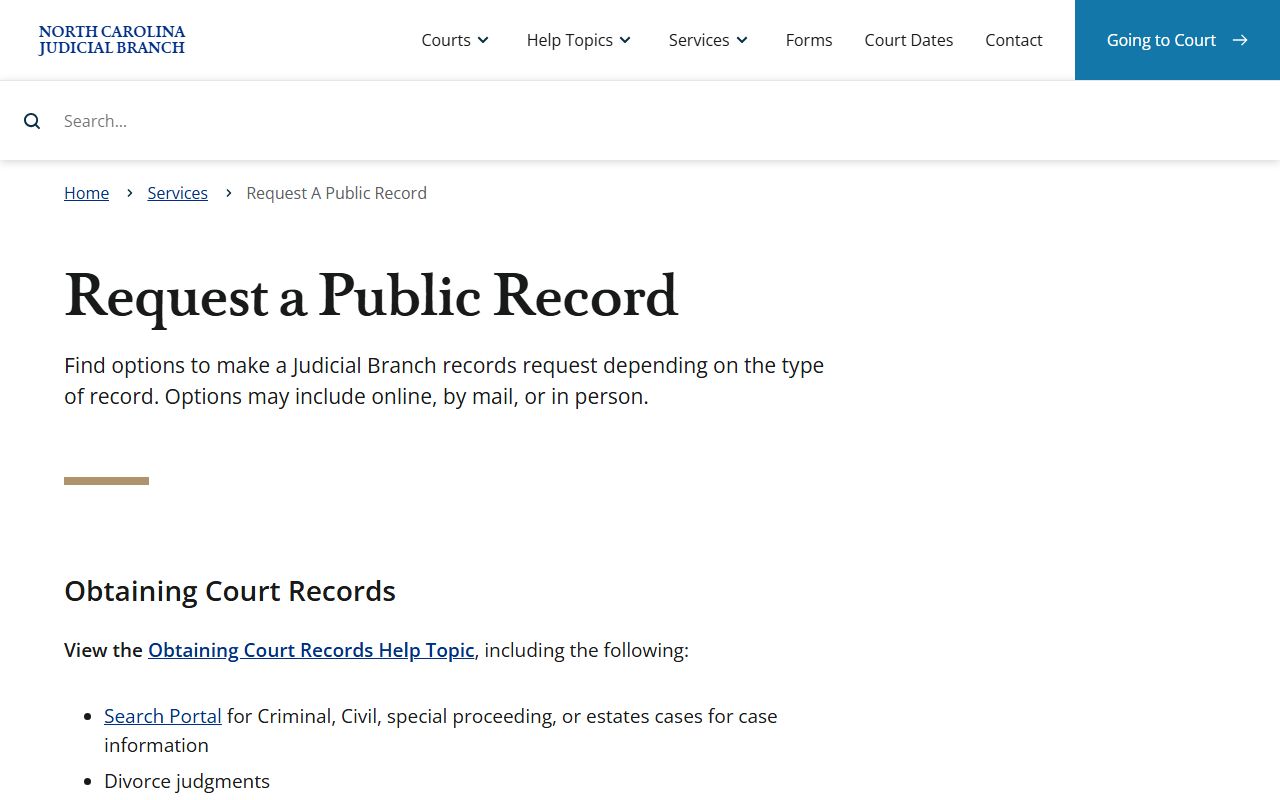
For Davie County court records, that request channel supplements the Clerk and Portal process rather than replacing the case search tools.
Davie County Court Records Search Fields
Portal search fields are useful because Davie County case records can be narrowed before a user opens a result. A broad name search may return cases from many counties or case types. A more focused search uses location, case category, status, date range, and known case numbers. Search Hearings adds hearing-specific fields, while NC Judgment Search focuses on judgment indexes under North Carolina court-record categories. The static research did not expose every live drop-down value, so the table uses only fields confirmed by NC Courts training materials.
| Field Label | Type | Required | Notes / Format |
|---|---|---|---|
| Smart Search query | text | unspecified | Search by name, attorney, citation, case number, and related terms. |
| Location / County | filter | optional | Use Davie County for local case filtering. |
| Party Name | text | optional | Name wildcard uses at least three last-name characters plus asterisk and one first-name character plus asterisk. |
| Business Name | text | optional | Business and nickname wildcard searches use at least four characters plus asterisk. |
| Attorney Name | text | optional | Available for case and hearing searches. |
| Attorney Bar Number | text or number | optional | Available in Search Hearings. |
| Case Number | text | optional | Use Enterprise Justice format when known, such as 21CR000003-910. |
| Citation Number | text | optional | Used for traffic, citation, court-date, and payment workflows. |
| Date of Birth | date | optional | Helps narrow common party names. |
| Case Type | dropdown or filter | optional | Civil Actions, Special Proceedings, Estates, and Criminal Actions are documented categories. |
| Case Status | dropdown or filter | optional | Specific values were not listed in static training text. |
| Case Filing Date Range | date range | optional | Useful when the filing year or time period is known. |
| Judicial Officer | text or filter | optional | Search Hearings field. |
| Courtroom | text or filter | optional | Search Hearings field for calendar lookups. |
Types of Davie County Court Records
Davie County court records come from the North Carolina General Court of Justice. Superior Court handles felony criminal cases, major civil cases involving $25,000 or more, appeals from District Court, and other matters assigned by law. District Court handles misdemeanors, infractions, traffic citations, juvenile matters, domestic cases, small claims appeals, and lower-value civil disputes. Magistrates work within District Court and handle initial appearances, warrants, small claims duties, and related statutory functions. The Clerk of Superior Court keeps the records for both Superior Court and District Court matters filed in Davie County.
The main record categories are civil, criminal, family, estates, traffic, juvenile, special proceedings, judgments, and protective-order matters. Not all categories have the same access rules. Civil complaints, answers, motions, orders, judgments, settlements, defaults, and dismissals are generally searchable unless sealed or redacted. Criminal files may show warrants, citations, charges, indictments, bond, pleas, dispositions, sentencing orders, probation judgments, costs, and restitution. Estate files are probate records kept by the Clerk of Superior Court as Ex Officio Judge of Probate.
- Civil records include complaints, summonses, motions, orders, judgments, service entries, and dismissal documents.
- Criminal records include charges, case events, pleas, dispositions, sentences, bond notes, payment entries, and probation judgments.
- Family records include divorce, custody, support, domestic violence, equitable distribution, and related motions.
- Estate and special proceeding records include wills, inventories, accountings, guardianship matters, foreclosures, and name changes.
- Traffic records include citation numbers, offenses, court dates, waiver eligibility, payment, disposition, and DMV reporting data.
The screenshot from Davie County public records request is relevant because county records and court records are often confused.
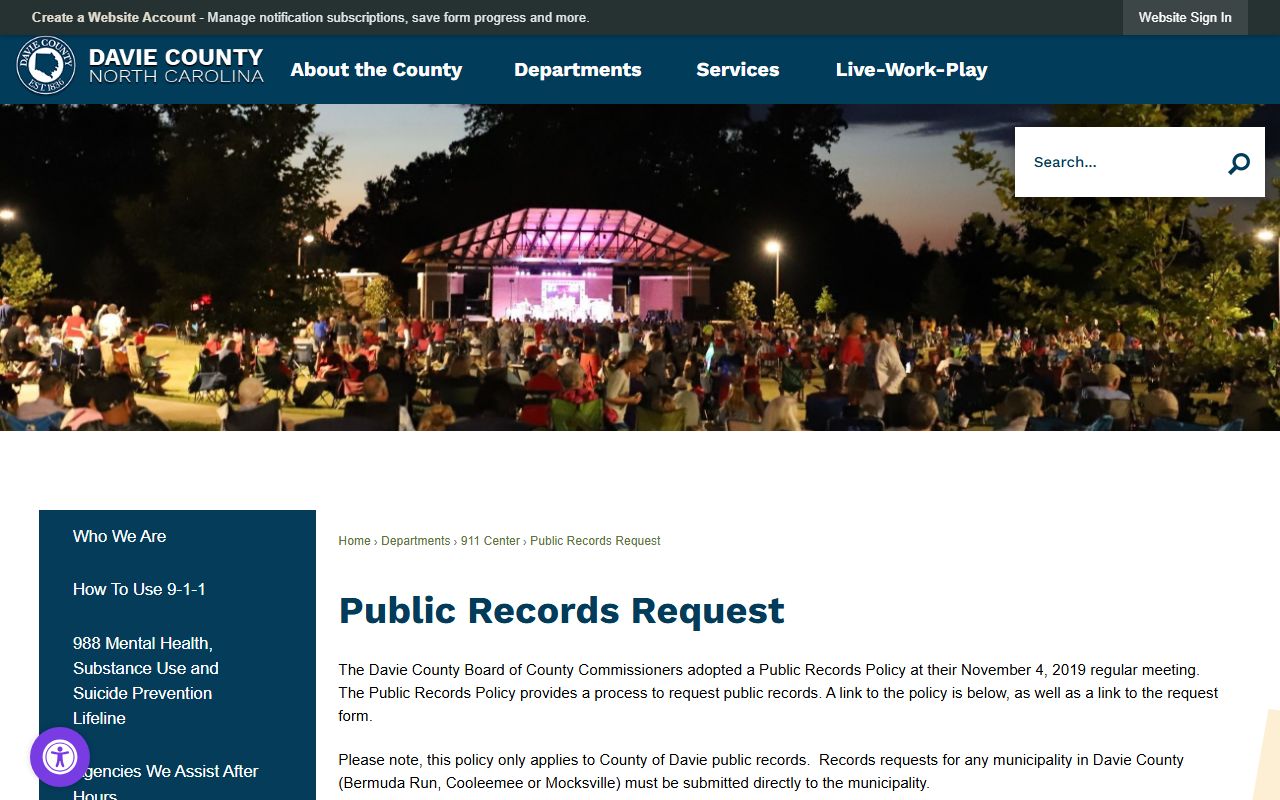
Davie County routes court records, divorce judgments, record checks, and court dates to NC Courts, while county department records use the county public-record request process.
What Davie County Court Records Show
A Davie County court record is not one single field. It is a case file with identifiers, party data, docket entries, hearing entries, filings, orders, and outcome details. A short online result may show only the public summary. A fuller file at the Clerk's office may include pleadings, notices, orders, judgments, and other documents. Criminal records add charge and sentence details. Civil records add claims, relief, judgment amounts, and service history. Estate records add decedent, fiduciary, letters, inventory, accounting, and closing data.
| Field | What It Shows |
|---|---|
| Case Number | The Enterprise Justice identifier used to locate the case in Portal or at the Clerk's office. |
| Court and County | Davie County and the court level, such as Superior Court or District Court. |
| Case Type | Civil, criminal, estate, special proceeding, judgment, traffic, family, or another category. |
| Parties | Plaintiff, defendant, petitioner, respondent, State, estate, decedent, fiduciary, or judgment parties. |
| Attorneys | Attorney names and, in hearing searches, sometimes bar numbers. |
| Filing Date | The date the case or document was filed, plus date ranges for search filtering. |
| Case Status | Open, pending, disposed, closed, dismissed, judgment entered, sealed, expunged, or restricted where applicable. |
| Docket Entries | Filings, motions, orders, hearings, continuances, notices, judgments, payment events, service, and appeals. |
| Financial Data | Court costs, fines, restitution, attorney fees, probation fees, judgment amounts, and payments when public. |
| Redactions | SSNs, financial account numbers, protected minor information, adoption data, juvenile data, and sealed material. |
Davie County Court Records Access Rules
North Carolina's Chapter 132 Public Records Act broadly defines public records made or received in connection with public business. Court records, however, also follow court-specific statutes, rules, confidentiality laws, and Clerk procedures. NC Portal training references court-record categories under G.S. 7A-109(b), including civil actions, special proceedings, estates, criminal actions, and judgment indexes. That is why Portal and Clerk access are usually the first Davie County court records channels.
Copies and certified copies are handled by the Clerk of Superior Court. The research file confirms that NC Courts publishes current statewide court costs for civil, criminal, estates, special proceedings, and miscellaneous fees. It also confirms that paper files may be inspected at the Clerk's office in the county where the case is located. For Davie County, the Clerk is at the courthouse in Mocksville. Background checks should be requested through the county clerk's office rather than through Portal, according to NC Courts' court-records help materials.
The manifest image from North Carolina Chapter 132 statute sections anchors the public-records discussion in the state statute set.
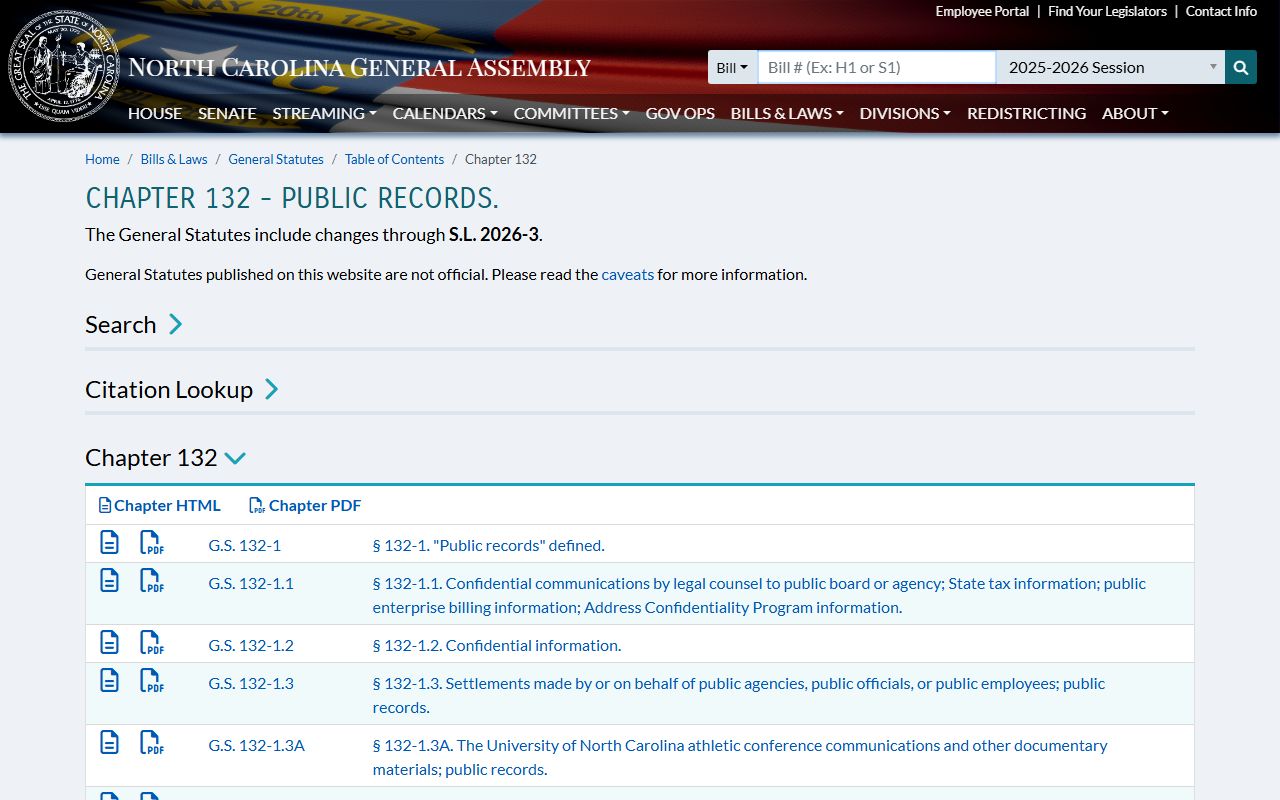
Chapter 132 helps explain public access, but a Davie court case can still be limited by court confidentiality rules or a sealing order.
Note: Certified court copies come from the Clerk, not from screenshots or downloaded search summaries.
Restricted Davie County Court Records
Some Davie County court records are not public even when a docket entry or case number exists. Juvenile delinquency, abuse, neglect, dependency, and termination matters are confidential under Chapter 7B Article 30 and are kept separate from ordinary public files. Adoption records and original birth records are also outside normal public lookup. Mental health, incompetency, guardianship, and commitment proceedings may have public docket elements, but medical reports and protected personal information are not ordinary public copies.
Expunction is different from simple sealing. North Carolina expunction procedures are in Chapter 15A Article 5, and G.S. 15A-153 limits public disclosure after expunction, with some law-enforcement and government exceptions. Sealed records may remain visible to courts, prosecutors, law enforcement, parties, or other authorized users under law or court order. Public Portal users should expect redactions for SSNs, financial account numbers, protected addresses, DOB details, minor names, and sensitive identifiers.
The screenshot from the North Carolina public records statute text shows why access starts broad but still depends on specific confidentiality laws.
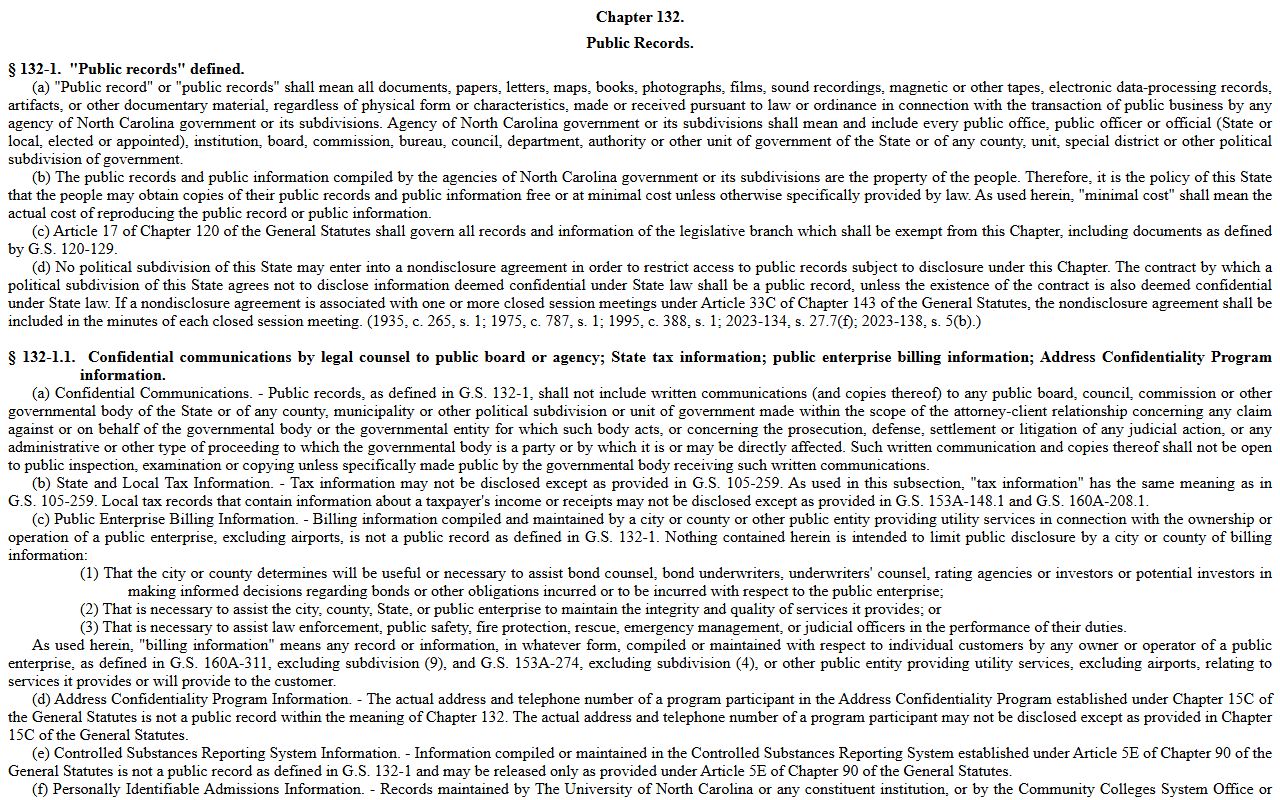
When a Davie County court record is sealed, expunged, juvenile, adoption-related, or medically sensitive, the Clerk can explain the allowed request path without disclosing restricted content.
In-Person Davie County Court Records
In-person access is still important for Davie County court records. NC Courts says criminal case information can be accessed at a public self-service terminal at a clerk of court's office in any county by defendant name, case number, or victim or witness name. Civil, special proceeding, and estate case information can also be accessed from public terminals. Paper files are viewed at the Clerk's office in the county where the case is located. For Davie cases, that means the Davie County Clerk of Superior Court.
Bring a case number when possible. If the case number is not known, bring the party's full name, approximate filing date, case type, and any citation, warrant, judgment, or hearing information. For certified copies, background checks, older paper files, and record categories that do not display fully in Portal, contact the Clerk before relying on an online summary. Davie estate matters require appointments, so probate file questions may need the estates division rather than a walk-in approach.
Davie County Clerk of Superior Court
Davie County Courthouse
140 South Main Street
Mocksville, NC 27028
(336) 936-3000
Monday-Friday, 8:30 a.m.-5:00 p.m.
Civil: (336) 936-3003
Criminal: (336) 936-3002
Estates: (336) 936-3004
Mail payment rules are narrow for eligible traffic citations and court costs: the Davie payment page says to use a money order or certified check, no cash and no personal checks by mail, payable to Davie County Clerk of Superior Court, mailed to the courthouse address with the citation number when paying a citation. Those payment rules do not turn a mailed payment into a broad records request.
When Davie County Records Are Elsewhere
Not every public record tied to a court event is a court record. Sheriff arrest, jail, and public-safety records begin with the Davie County Sheriff's Office and may use county public-record request channels. Jail custody status belongs with the Davie Detention Center and sheriff portal, not the Clerk. Marriage certificates and vital records belong with the Register of Deeds at the County Administration Building. NCDMV driving records are state driver files, not court case files. Federal district and bankruptcy records for Davie County are searched through federal PACER systems, not NC eCourts.
A practical Davie County court records search starts with Portal, checks Search Hearings or NC Judgment Search when needed, and moves to the Clerk's public terminal or paper file for copies, certified records, background checks, and older files. If the record is a county department record rather than a Judicial Branch record, Davie County's public-records request process routes the request through the County Attorney for initial review and then to the department custodian. If the record is confidential, staff may only be able to confirm the correct process, not the record content.